What CRHQ agents do every day
Each use case shows the job, the agents and skills behind it, and how to set it up on your own server.
Five ways work runs
Most use cases follow one of these patterns.
On a schedule
It runs while you are away
A background job runs daily or weekly and posts the result to Slack or a status board.
For example: competitor checks, weekly dashboards, SEO audits.
Research to deliverable
A team hands back finished work
Agents research, write and hand back a report, deck or page as an artifact you can share.
For example: deep research, articles, investor updates.
In your tools
Agents work where you already work
A browser with your saved logins lets agents work in Notion, LinkedIn-style sites and other tools. Some sites, like Google, ask you to sign in yourself.
For example: networking, social engagement, meeting prep.
Build and run
From idea to a running app
Agents build on your server, test in a browser, deploy and keep watching what they shipped.
For example: prototypes, bug fixes, code review.
From your product
Your app calls the agents
Your product calls CRHQ agents through the Platform API with scoped keys and gets results back by webhook.
For example: support replies, customer lookups.
Your own
Build a use case of your own
Describe the job, and the Skill Builder agent turns it into a skill your agents can reuse.
Browse skills →
Competitor Analysis
Competitor prices, features and positioning checked every week, with changes reported to Slack.

Business Intelligence and Revenue Dashboards
Revenue, funnel and conversion numbers from your analytics, Stripe and database in a weekly dashboard.

Deep Research
Research across many sources by a team of agents, written up as a report you can share.

Automated Bug Triage and Fix
Errors from Sentry investigated, traced to the cause and fixed in a pull request for you to review.

Customer 360 Lookup
One customer’s sign-up, payments, usage and support history gathered from your database and Stripe.

Rapid Prototyping and Deployment
Prototypes and internal tools built and deployed on your server, ready for you to try.

Keyword Research and Analysis
A keyword strategy built from Google Search Console and Google Trends data.

LinkedIn and Professional Networking
Engagement opportunities found and messages drafted in your voice, using your saved login.

Social Media Content and Scheduling
Posts drafted in your brand’s voice, planned and scheduled across your platforms.
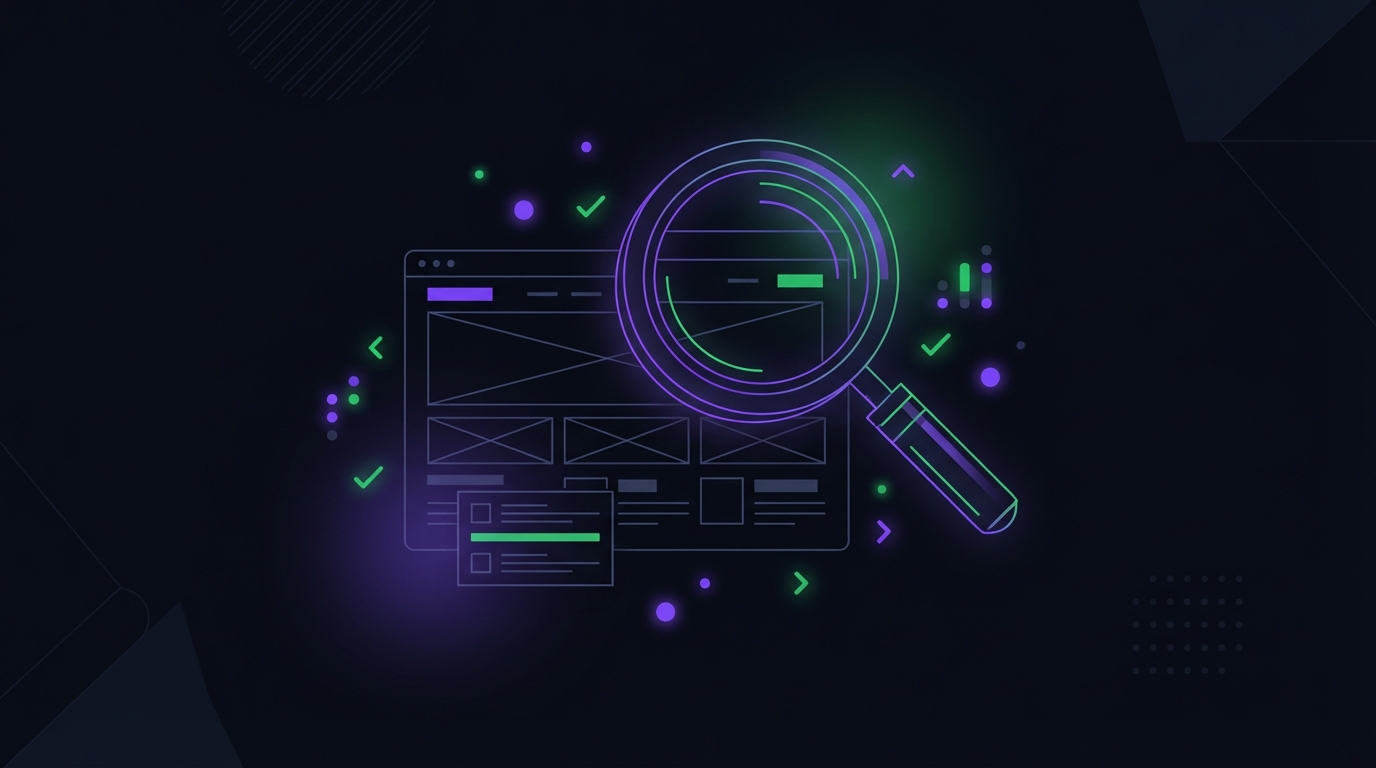
Full-Site Technical SEO Audit
A technical SEO audit across your page templates, with meta tags, Core Web Vitals and competitors checked, and a prioritized list of fixes.
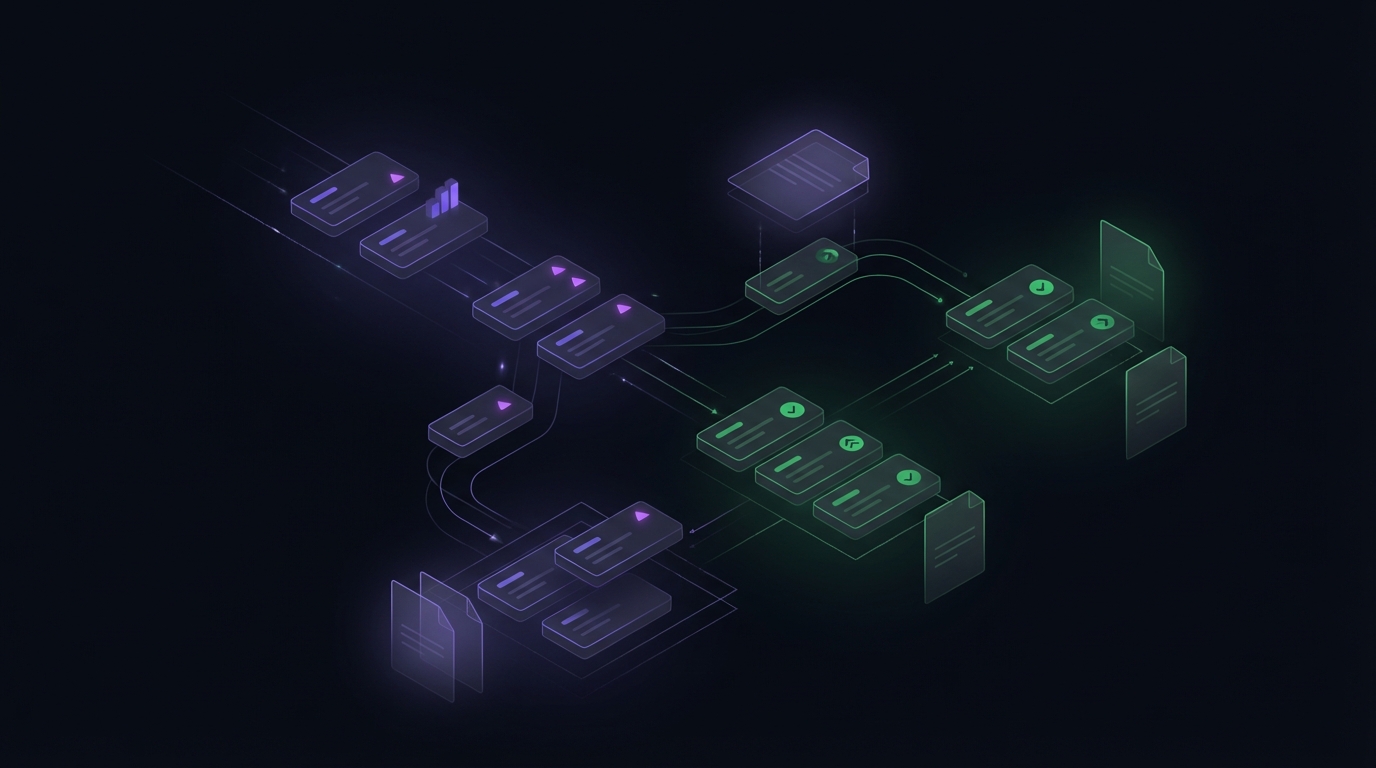
Customer Support Automation
Support tickets triaged with customer context from your database and Stripe, and replies drafted for your team.
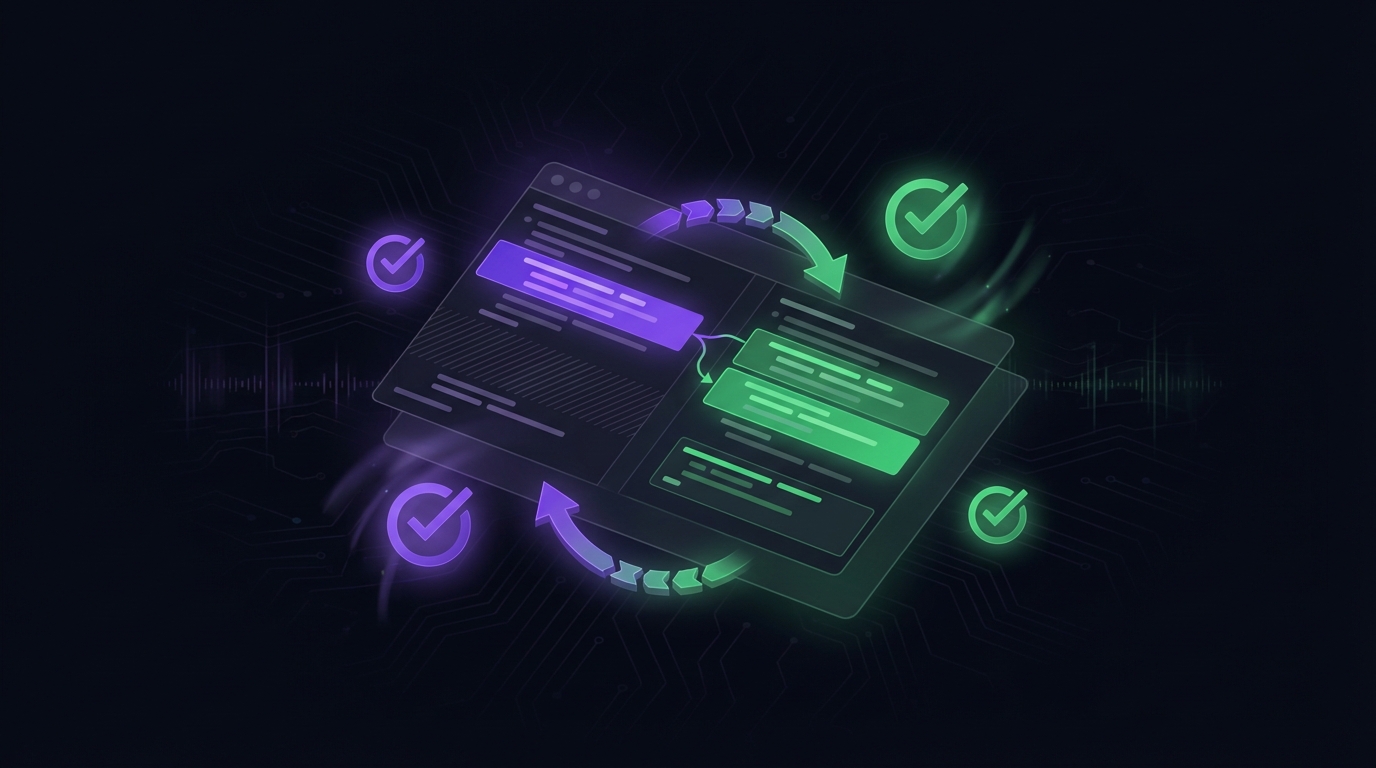
Automated Code Review
Pull requests reviewed for bugs, style and performance, with inline comments and suggested fixes.

Content Planning and Calendar
Content plans with topics, outlines and a publishing schedule, tied to your SEO strategy.
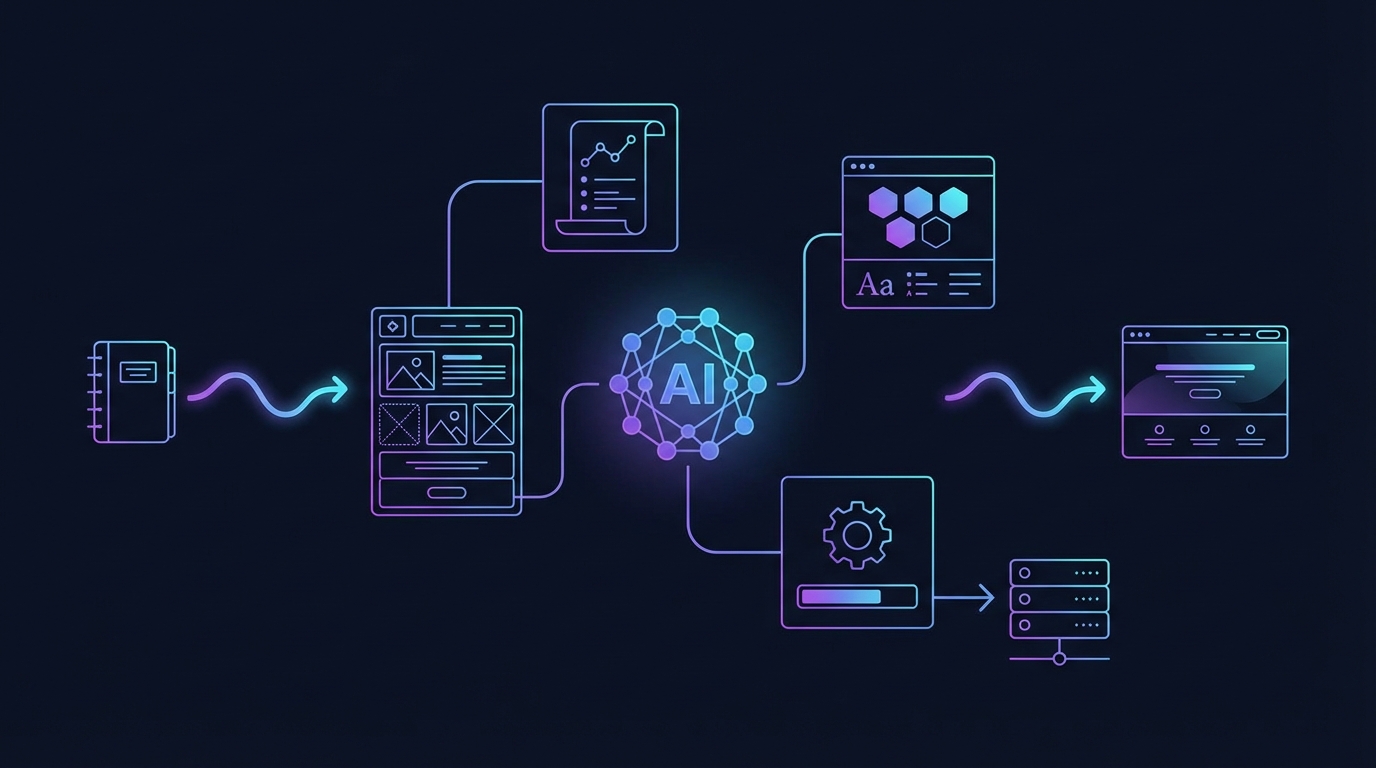
Article and Landing Page Creation
Articles and landing pages taken from research to a published page, in your design system.

Social Media Engagement and Monitoring
Trends and conversations worth joining, found on X, Reddit and forums and sent to Slack on a schedule.

Blog Article SEO Audit
One article reviewed for keywords, headings, internal links, readability and schema markup.

Landing Page SEO Audit
One landing page reviewed for Core Web Vitals, conversion structure, mobile layout, meta tags and content.

Graphics and Motion Design
Infographics, share images, blog visuals and short motion graphics in your brand style.

Email and Outreach Automation
Outreach campaigns and inbox work: agents draft, send and follow up on replies the way you set them up.
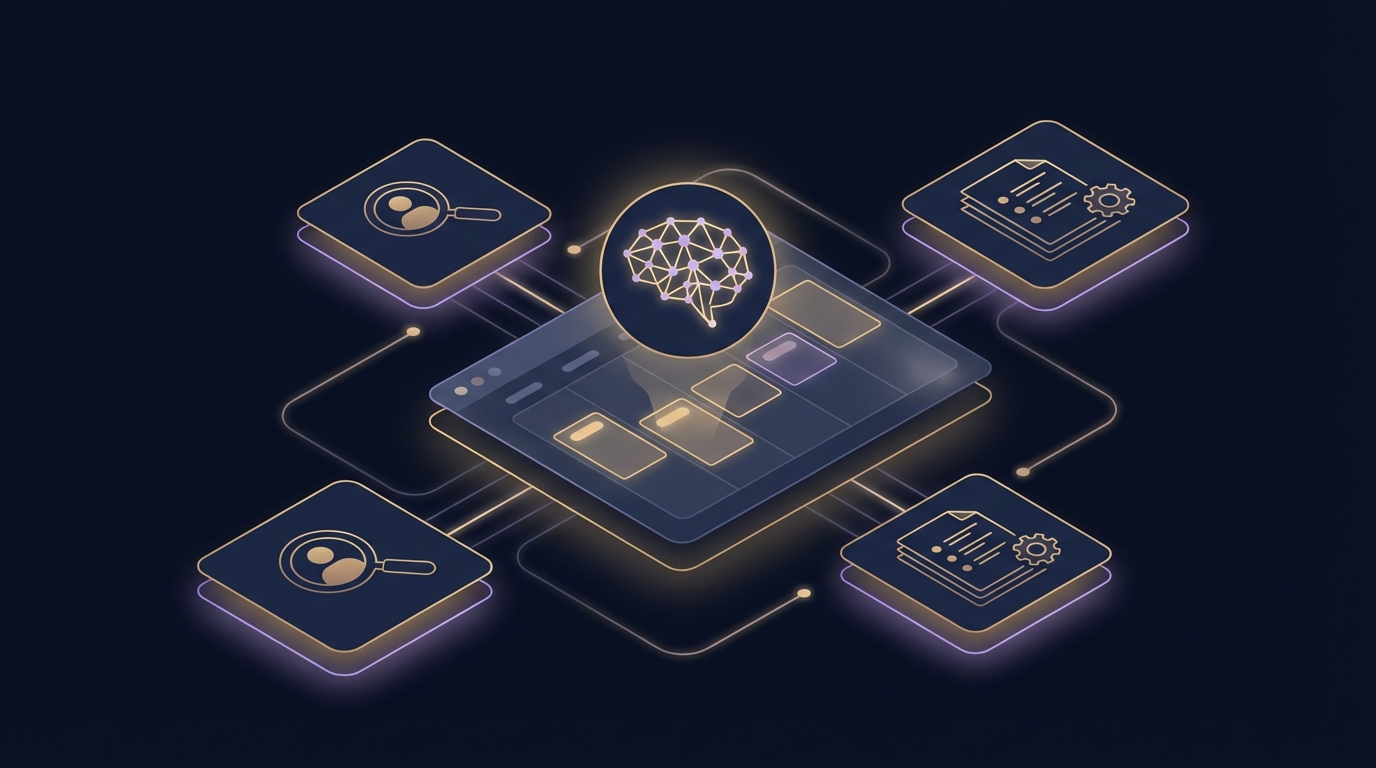
Calendar and Meeting Prep
Upcoming meetings researched, with a briefing on the attendees ready before you join.

Project Management and Weekly Standup
Team conversations in Slack summarized into a weekly status report before your meeting.
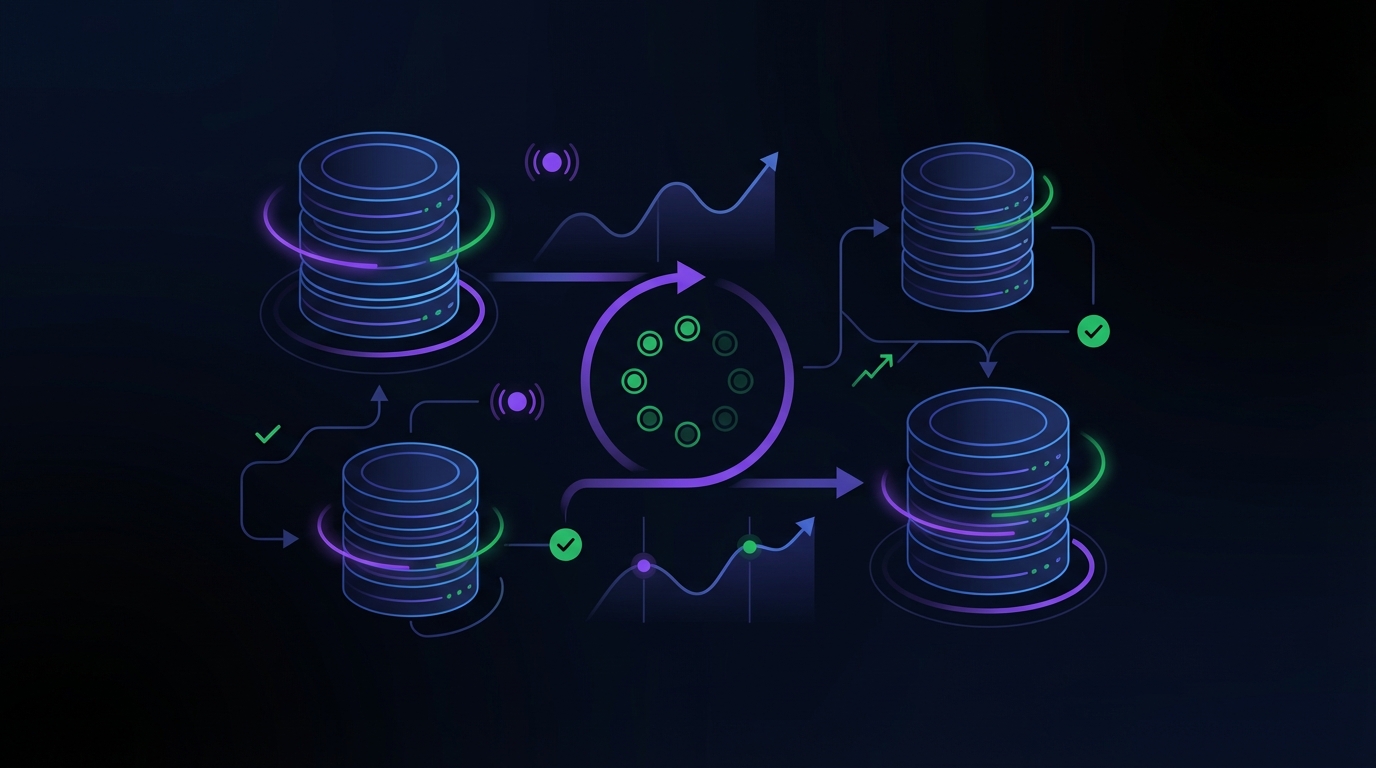
Database Monitoring
Slow queries found, indexes suggested and unusual database behaviour flagged on a schedule.
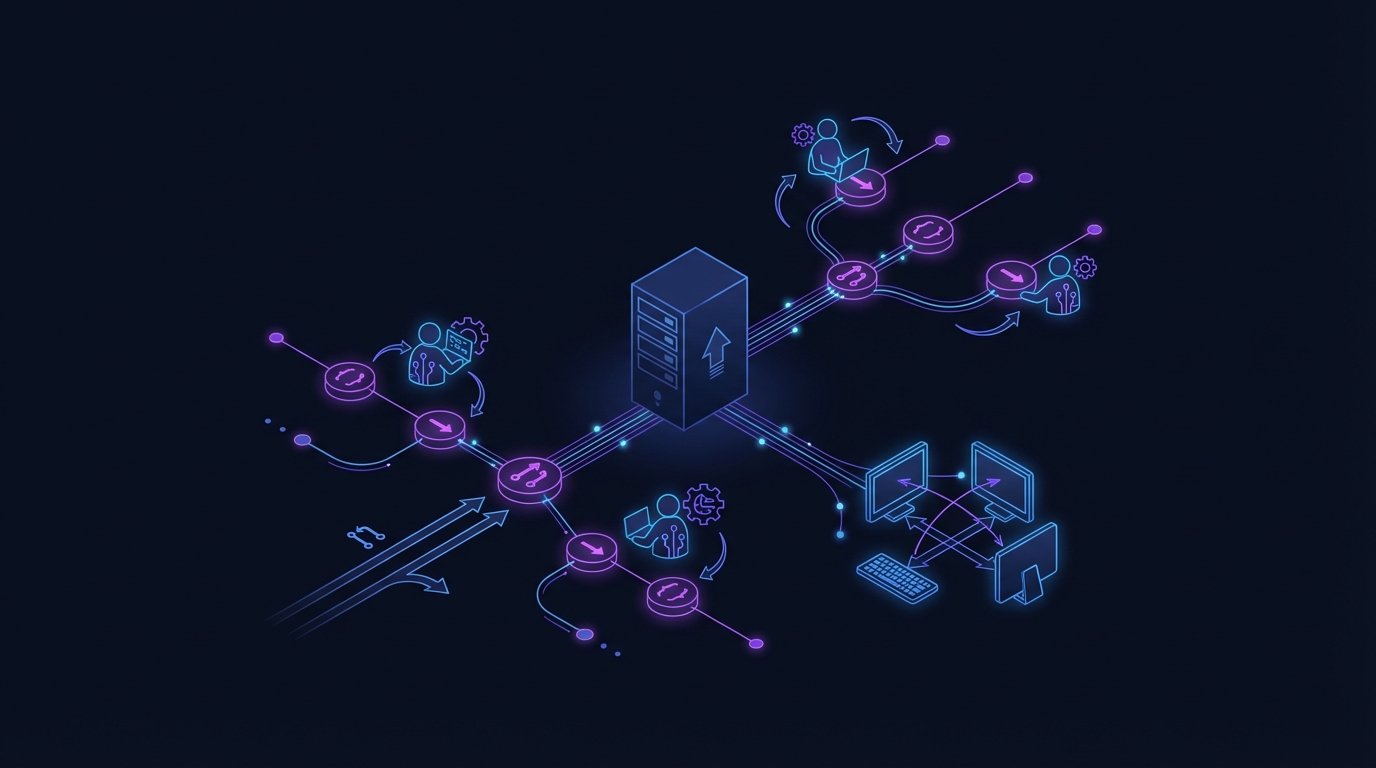
Dev Environment Management
Your server as a shared development environment, where agents work on branches and push code.
Under every use case
One server runs all of it.
Every use case uses the same parts of CRHQ, so one job can grow into the next without new tools.
Powered by skills
Every use case is built on structured, versioned skills. Browse the library, or describe a job and let the Skill Builder agent turn it into a skill of your own.
Browse skills →